Impact Sound
Best for: Edits, sports, transitions
The hook
- Do
- Land a loud hit, boom or whoosh on the first cut.
The first 3 seconds
- 0.0sA hit lands on the first cut.
- 0.3sThe picture changes at the same moment.
- 1.5sThe video carries on with that energy.
- 3.0sThe viewer's attention is locked in.
Why it works
A sharp sound grabs the ear even if the eyes are drifting.
What you need
- Whoosh, hit and boom sounds (CapCut has free ones)
- A clip with a clear first cut or impact
- Headphones, to place the sound exactly
Step by step
Plan
- Find the moment for the hit: the first cut, a punch, a landing, a slam.
- Pick one sound and keep it short.
Film
- Film a clip with a clear impact or cut point.
- Make the first second strong to look at.
Edit
- Place the hit exactly on the cut or impact. Zoom into the timeline to line it up.
- Keep the sound under half a second, and turn it down a little if it's too loud.
Use it in your niche
- SportA boom as the ball hits the net
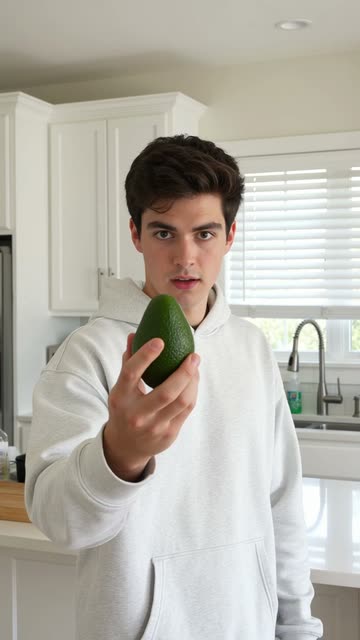
- CookingA whoosh as the knife comes down
- GamingA hit as your character lands
Pro tips
- Add a tiny camera shake on the hit for extra punch.
- Edit with headphones. Phone speakers hide timing mistakes.
Avoid
- A hit on every cut. It gets annoying fast.
- Sounds so loud they make people scroll.