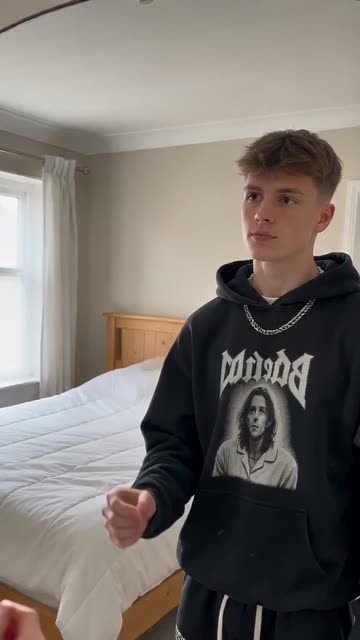
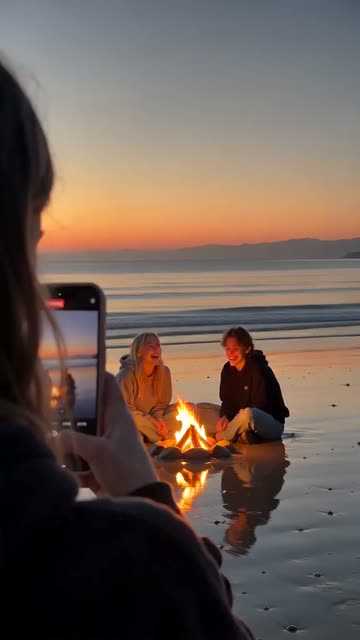
Rising Sound
Best for: Dance, comedy, lifestyle, edits
The hook
- Do
- Use a sound that's growing right now, before everyone has used it.
The first 3 seconds
- 0.0sThe recognisable part of the sound starts with your first clip.
- 0.5sA cut lands on the beat.
- 2.0sThe viewer recognises the sound and keeps watching.
- 3.0sYour video rides the sound's momentum.
Why it works
The app pushes videos using sounds that are on the rise, and a familiar sound makes viewers stop.
What you need
- A sound that's growing right now
- Clips you can cut to the beat
- The sound saved in the app
Step by step
Plan
- Check the sound's page. A sound with a few thousand videos that's still growing is the sweet spot.
- Save sounds you like as you scroll, so you always have a list ready.
Film
- Film clips with movement that can match the beat.
- Film more clips than you need, so you can pick the best.
Edit
- Add the sound inside the app, from its library, so the video shows up on the sound's page.
- Cut your clips on the beat. Turn the sound down under your voice if you talk.
Use it in your niche
- FashionAn outfit change on every beat
- TravelA trip recap, one clip per beat
- PetsYour pet's best moments, cut to the beat
Pro tips
- Early beats late. Once a sound is everywhere, it's usually past its peak.
- Use the part of the sound everyone knows, usually the chorus or the drop.
Avoid
- Adding popular songs in an outside editor. The app can mute the video for copyright.
- A sound that doesn't fit the mood of the video.