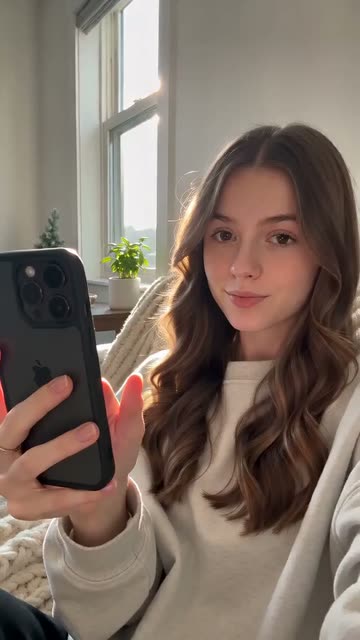
Big Text Opener
Best for: Any niche
The hook
- On screen
- Nobody teaches you this in school
The first 3 seconds
- 0.0sThe text is on screen from the very first frame: “Nobody teaches you this in school”.
- 1.0sThe viewer has read it, even with the sound off.
- 2.0sYour first point starts.
- 3.0sThe viewer knows the topic and wants the lesson.
Why it works
Most people scroll with the sound off. Big, clear text is their first impression.
What you need
- A 4–8 word line
- A clip that fits the line
- The app's text tool or CapCut, with an outline or box style
Step by step
Plan
- Write 5–10 versions of the line and pick the shortest one that still makes a promise.
- Pick a background clip with some movement but not too busy, so the text stays readable.
Film
- Film the opening clip with empty space in the top third for the text.
- Keep the first shot steady for 2 seconds so people can read.
Edit
- Add the text from frame one. Don't animate it in; a fade wastes the first half-second.
- Put it in the top third, in a bold font with an outline or a box, and leave it up for at least 2 seconds.
Use it in your niche
- MoneyNobody tells you this about your first paycheck
- FitnessThe exercise your PE teacher got wrong
- TravelThe cheapest way to see Europe at 18
Pro tips
- Say the same words out loud too, for people with the sound on.
- Test it: look at the first frame at arm's length for 1 second. If you can't read it, make it bigger.
Avoid
- Text near the bottom or the right edge, where the like button and caption cover it.
- More than 10 words. If it needs two lines, cut words.