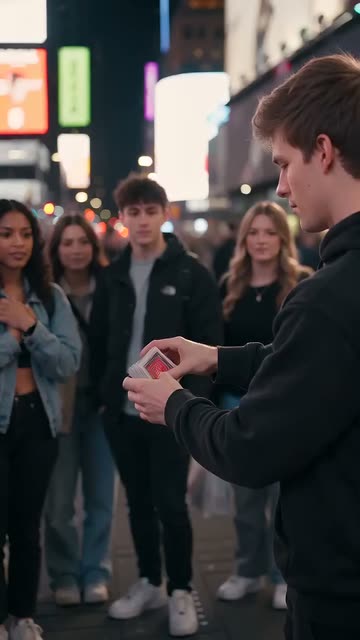
Speed Ramp
Best for: Sports, dance, tricks, cars
The hook
- Do
- Start in fast motion, then slow right down at the key moment.
- On screen
- Watch his feet
The first 3 seconds
- 0.0sFast motion, building up to the moment.
- 0.8sCaption: “Watch his feet”.
- 1.0sEverything slows right down at the peak.
- 2.5sBack to normal speed as it lands.
Why it works
The change in speed tells the viewer exactly when to pay attention.
What you need
- A phone that films slow motion (120 or 240 fps)
- One clear peak moment: a jump, a trick, a kick
- CapCut (Speed > Curve)
Step by step
Plan
- Pick one moment worth seeing slowly: the top of a jump, the ball leaving the foot.
- Plan to film a few seconds before and after it, so there's room to ramp.
Film
- Switch the camera to slow motion before you film.
- Use bright light. Slow motion needs more light or it looks grainy.
- Keep the phone steady and the action in the middle of the frame.
Edit
- In CapCut, open Speed > Curve and pick a ramp preset like Montage or Bullet. Drag the slowest point onto the peak.
- Add a hit or whoosh sound where the slow-down starts.
Use it in your niche
- FootballRamp into the ball hitting the net: “Watch the spin”
- DanceRamp on the highest jump: “Watch her hair”
- CarsRamp as the car passes the lens: “Listen to this”
Pro tips
- Tell the viewer where to look with the caption. The ramp tells them when.
- Speed back up quickly after the peak. Lingering kills the energy.
Avoid
- Ramping on nothing special. The slow-down promises something, so deliver it.
- Slowing down normal 30 fps footage. It looks choppy.