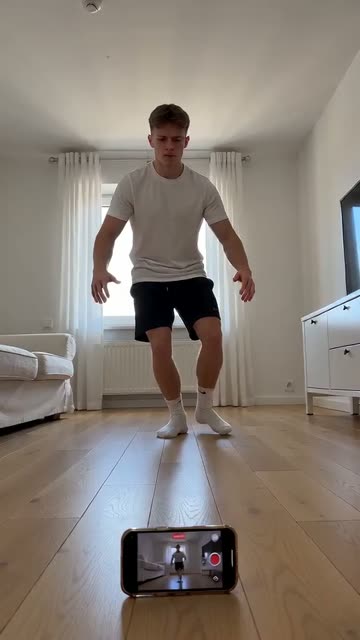
Before / After Split
Best for: Cleaning, fitness, editing, art progress
The hook
- Do
- Show the before and the after side by side in the first frame.
- On screen
- Day 1 vs day 30
The first 3 seconds
- 0.0sBefore on top, after underneath, with a thin line between them.
- 0.5sCaption: “Day 1 vs day 30”.
- 1.5sThe eye jumps between the two halves.
- 3.0sThe viewer wants to see how you got from one to the other.
Why it works
The change is obvious in one glance. The viewer instantly wants to know how.
What you need
- A clear before and a clear after
- A way to put the phone in exactly the same spot twice (tape on the floor works)
- CapCut or another editor with split screen
Step by step
Plan
- Before you start, mark where the phone stands, its height and its angle. Take a photo of the setup.
- Know what the change is and how long it took, so the caption has a real number.
Film
- Shoot the before from your marked spot.
- When it's done, shoot the after from exactly the same spot: same zoom, same time of day if you can.
- Film the process in between for the middle of the video.
Edit
- In CapCut, stack the before and after top and bottom (or side by side for wide subjects) with a thin white line.
- Hold the split for 2 seconds, then go into the process. End on the after, full screen.
Use it in your niche
- CleaningA dirty oven next to the clean one: “One product, 20 minutes”
- FitnessDay 1 push-ups next to day 90: “From 3 push-ups to 30”
- ArtYour drawing from 2024 next to today's: “Same character, 2 years apart”
Pro tips
- Label each half (“Before” and “After”, or the dates). People scroll fast and need it instantly.
- Matching the light matters more than matching the angle. A much brighter after looks fake.
Avoid
- Different angles or zoom levels. It looks like you're hiding something.
- A change so small you have to look for it. If it isn't clear in half a second, pick another hook.